Custom Field Integration in Mewayz (Formerly Seemless)
The Custom Field Add-On allows you to add extra fields to specific Add-Ons and forms based on your business needs.
Introduction
The Custom Field Add-On allows you to add extra fields to specific Add-Ons and forms based on your business needs. This powerful tool helps you customize your system by creating additional input fields such as text, email, number, date, dropdown, and other field types. You can add these custom fields to various Add-Ons including Account, HRM, Sales, Projects, and many specialized Add-Ons like Hotel Management, School, Healthcare, and more. The add-on gives you flexibility to capture additional information that may not be available in the standard forms, making your system more tailored to your specific requirements.
How to Install the Add-On?
To Set Up the Custom Field Add-On, you can follow this link: Setup Add-On.
How to Use The Custom Field Add-On?
To create a new custom field, navigate to the Company Side Menu and click on Custom Field, then click the “Create” button. You will see a form with the following fields: Custom Field Name for entering the field label that will be displayed to users, Type for selecting the field format from multiple different options, Module for choosing the main section where you want to add the custom field, Parent for selecting the specific area within the chosen module where the field should appear, and Rule for setting whether the field is required or optional for users to fill out.
When creating a custom field, you can select from twenty different field types, including:
- Text for simple text input, such as names, titles, or short descriptions, where users can enter any text content
- Email for email addresses with automatic format validation to ensure proper email structure
- Number for numeric values only, such as quantities, amounts, or measurements, where only numerical input is accepted
- URL for website addresses with automatic format validation to ensure proper URL structure
- Date for date selection with a calendar picker interface, allowing users to choose specific dates
- Time Picker for selecting specific times of day with hour and minute selection
- Date Range for selecting a period between two dates, useful for duration tracking or date spans
- DateTime Range for selecting both date and time ranges, combining the date range with specific time periods
- Currency for monetary values with proper formatting and currency symbols
- Phone for telephone numbers with format validation to ensure proper phone number structure
- Rich Text for formatted text content with styling options like bold, italic, lists, and other text formatting capabilities
- Tags for creating and assigning multiple keyword labels or categories to records
- Rating for star or numerical rating systems, allowing users to provide scores or feedback
- Slider for selecting values within a range using a visual slider interface
- Textarea for longer text content, such as descriptions, comments, or detailed information that requires multiple lines of text
- Select (Dropdown) for single selection from predefined lists of options, where users can choose one item from a list you create
- A checkbox for multiple choice options, where users can select several items at once from the available choices
- Radio for single choice selection from multiple options where only one option can be selected at a time
- Media (Attachment) for file uploads, including documents, images, videos, certificates, or any other files that users need to attach
- A repeater for adding multiple sets of the same fields, allowing users to create repeating groups of information
- When you select Select (Dropdown), Radio, or Checkbox as the field type, an input box will appear allowing you to enter options. Click the plus icon to add multiple options, and each time you click the plus icon, a new input field will appear so you can enter multiple choices for users to select from, allowing you to create comprehensive lists of selectable options for your custom fields.
- When setting up your custom field, you must choose the field rule which determines whether users must fill out the field or if it is optional. Select Required if the user must fill out this field before saving the form and the system will prevent form submission without completing this field, ensuring that important information is always captured. Select Not Required if the field is optional and users can leave it blank without any validation errors, providing flexibility for information that may not apply to all records or situations.
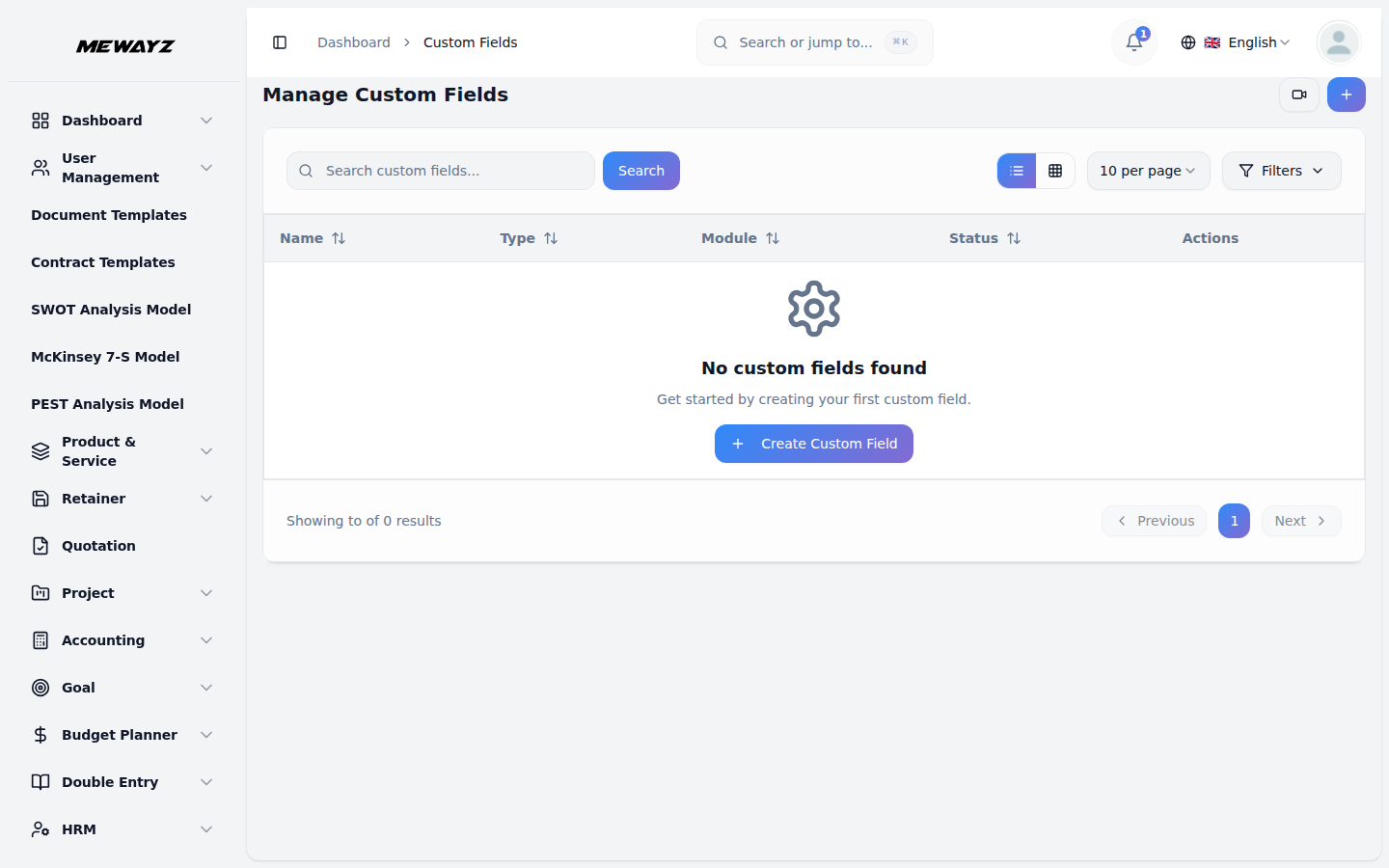
- The list page displays all custom fields in a table with columns for Field Name, Type, Module, Parent, Rule, and Actions.
- Available actions include Edit to modify the custom field settings. When clicking Edit, you can modify the Custom Field Name. and Delete to remove the custom field from the system.
- In Sales Invoice and Purchase Invoice, you can also view your created custom fields in the invoice view and include them when downloading or exporting the invoice.
- You can add custom fields to many different areas of your system. Here are the available Add-Ons and their Parents:
Available Add-Ons and Parent
You can add custom fields to many different areas of your system. Here are the available Add-Ons and their Parents:
| Add-On | Parent |
|---|---|
| General | Proposal, Sales Invoice, Purchase Invoice, Warehouse |
| Account | Customer, Vendor |
| Hrm | Employee |
| CRM | Lead, Deal |
| ProductService | Items |
| Project | Projects, Tasks, Bugs |
Example Usage
- If you want to add a custom field to the Customer section in the Account module, enter Field Name as “Industry Type” which will be the label shown to customer, select Field Type as “Dropdown” to create a selection list, select Module as “Account” for the main section, select Parent as “Customer” for the specific area, set Rule as “Required” to make it mandatory, then add options like “Manufacturing”, “Retail”, “Services”, “Technology”, “Healthcare” by clicking the plus icon multiple times, and finally click Create to save the custom field. Now, this custom field will appear when creating or editing a customer in the Account Add-On, allowing users to select the industry type from the dropdown list you created, and they must fill this field before saving the customer record since it is set as Required.