
Take bookings
Accept booking requests on Mewayz where booking is enabled for your account. Share a booking link from your public page and confirm details with messaging.
Rated by customers
30-day guarantee
Money-back, no questions
30,000+
businesses worldwide
Interactive sandbox · No signup required

Everything your business needs
CRM, invoicing, website builder, bookings, HR, and more — built to work together in one platform.
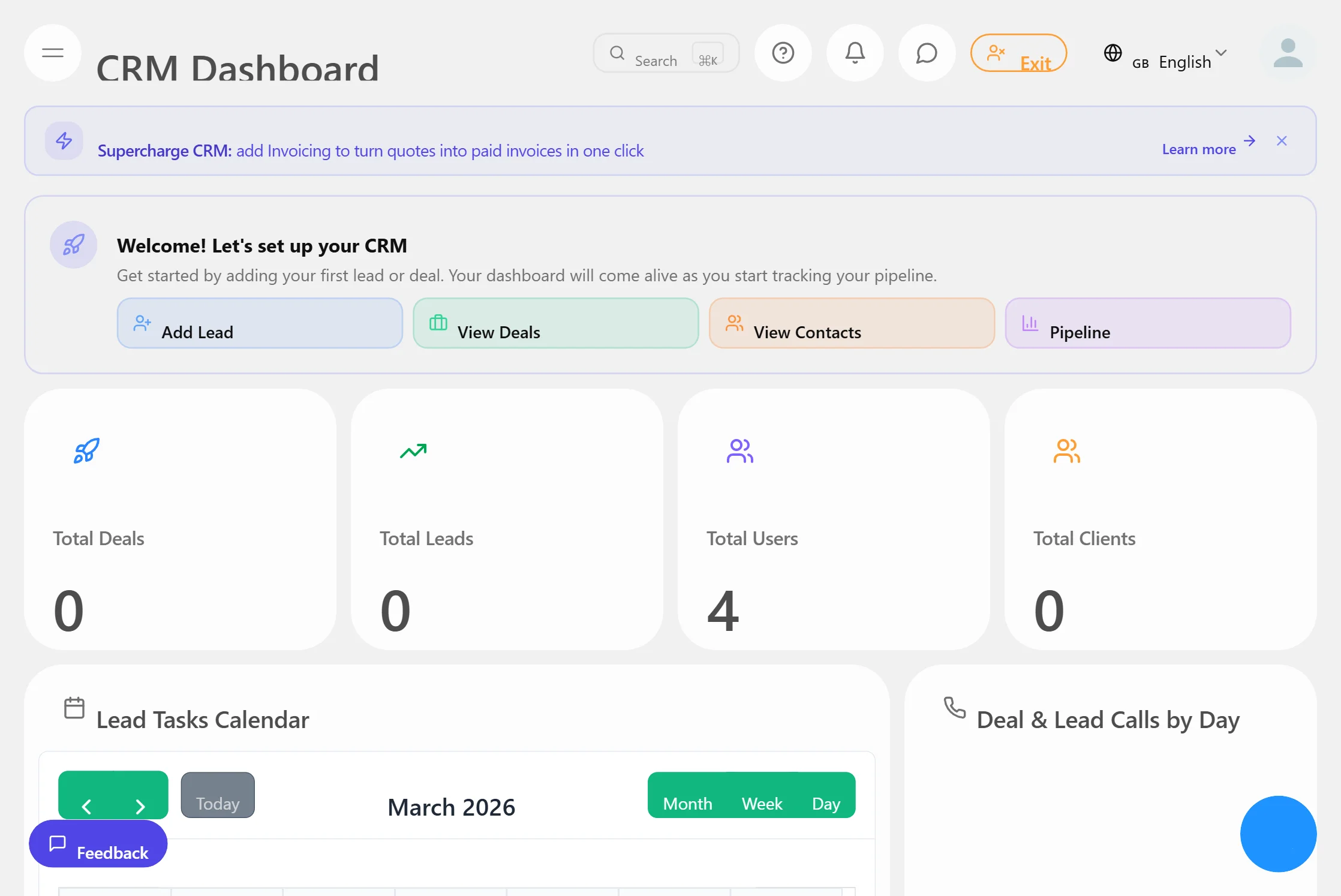
CRM & Pipelines
Track leads, manage contacts, and move deals through custom pipelines. Full activity timeline per contact.
Learn more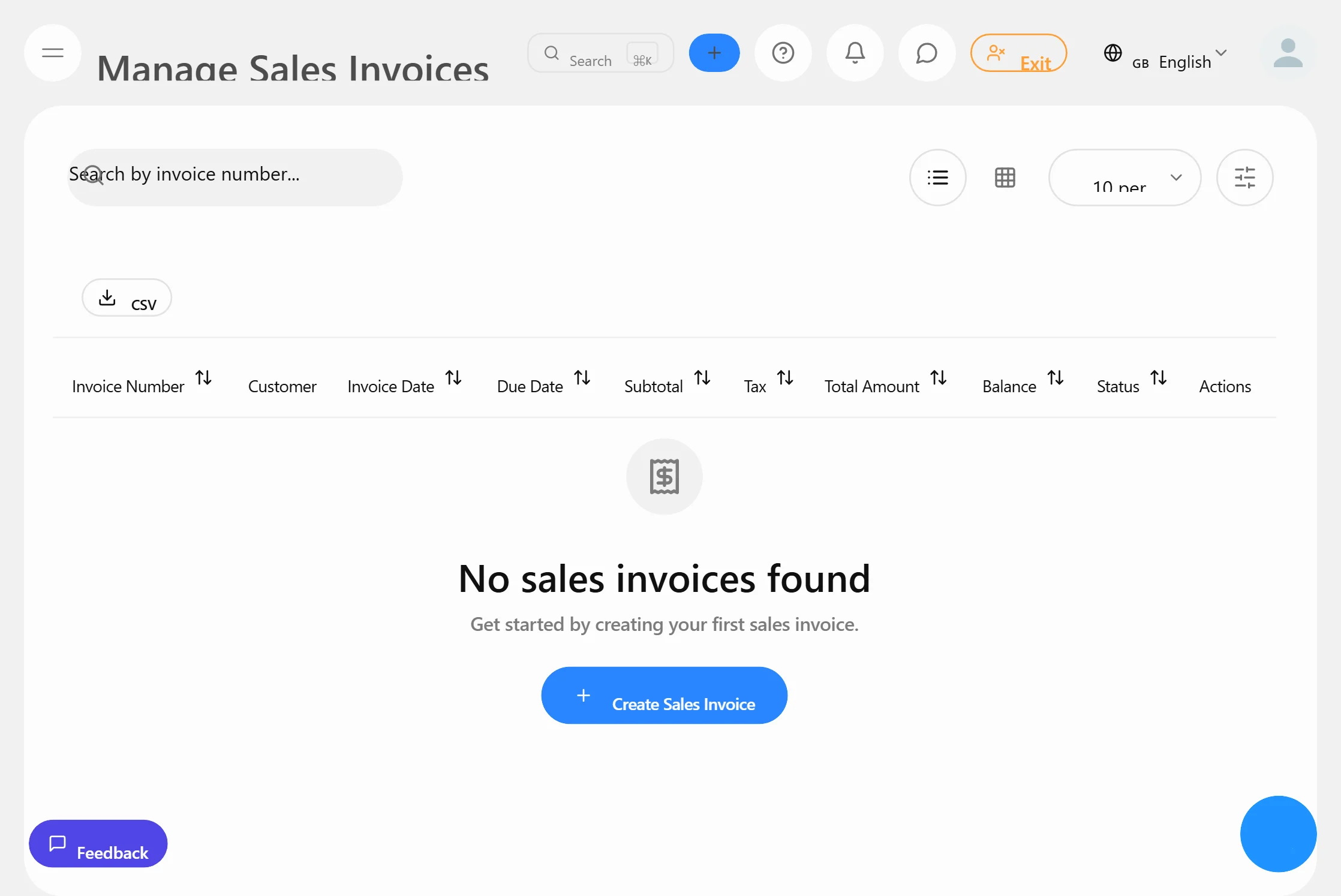
Invoicing & Billing
Create and send professional invoices, accept payments online, and automate payment reminders.
Learn more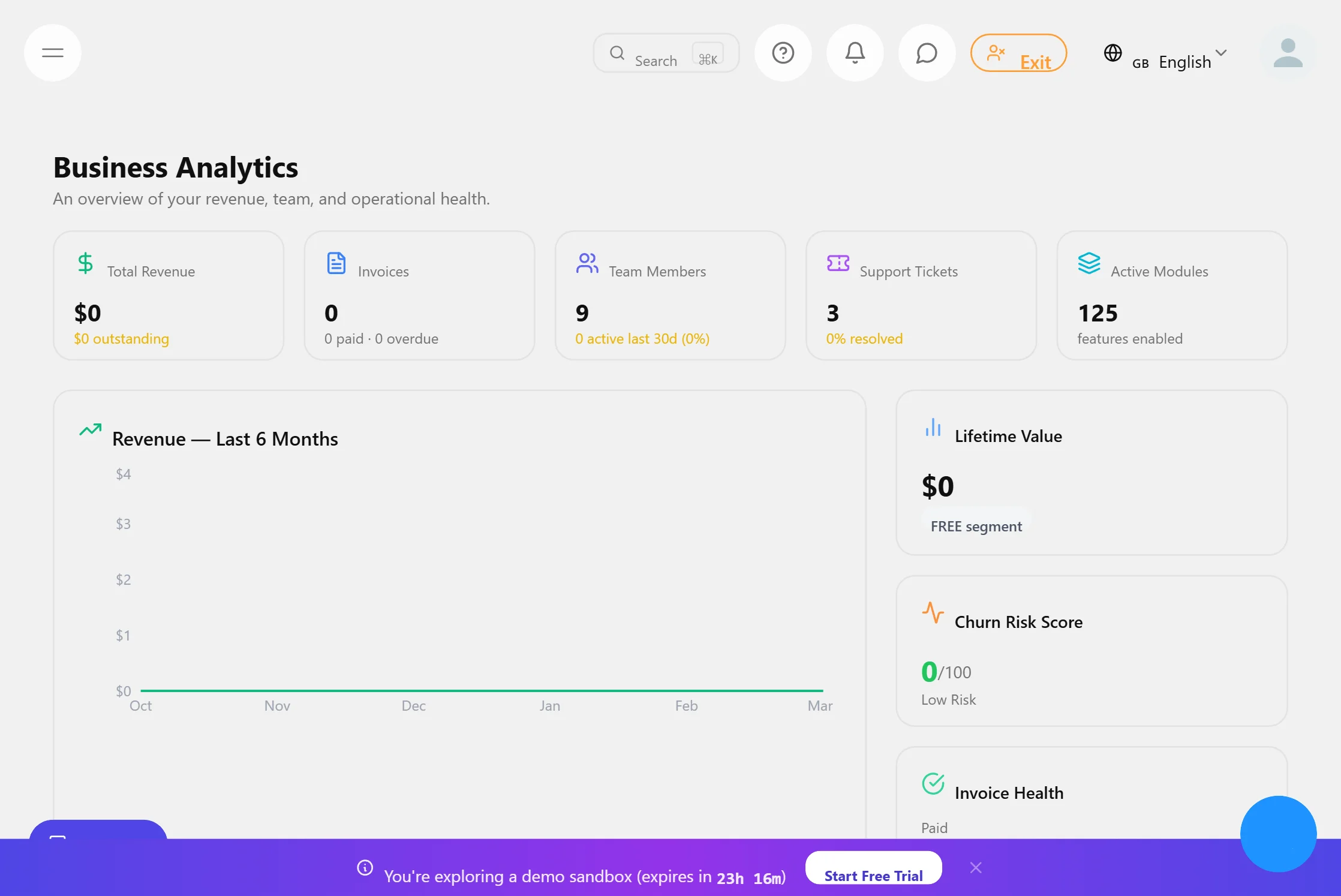
Analytics & Reports
Real-time dashboards across revenue, team, and clients. 50+ report types with exportable data.
Learn more
Appointments & Bookings
Let clients book meetings and services online. Sync with your calendar and send automated reminders.
Learn more
HR & Team Management
Manage staff, track time, handle payroll, and onboard new hires — all in one workspace.
Learn more
Online Store & POS
Sell products online and in person. Manage inventory, process payments, and track orders.
Learn moreAppointment booking on Mewayz
Use this workflow when you sell time-based services like consultations or appointments.
Booking features and controls depend on what is enabled for your account. Start with a public page and add a booking call-to-action where available.
Booking workflow highlights
A practical setup for taking bookings and confirming details with your audience.
Booking link (where enabled)
Availability (where enabled)
Confirm with messaging
Payments (where configured)
Promotion via public pages
Insights (where available)
Why this workflow works
Keep your booking link, public presence, and conversations connected.
Shareable booking link
Start free
Conversation-first
Configurable
Join 30,000+ businesses growing with Mewayz
Ready to Streamline Your Scheduling?
Start free on Mewayz and add a booking link where enabled. Explore pricing, Help Center, and FAQ before you upgrade.
We refund 100% within 30 days if you're not satisfied. No paperwork, no delays.
Before you go — it's free forever
No credit card needed. Start managing your business smarter.
- CRM, invoicing & 130+ modules
- $1,200+ saved vs separate tools
- Setup in 60 seconds