Form Builder Integration in Mewayz
Form Builder is a versatile tool that simplifies the creation of customized forms for websites and applications.
Introduction
Form Builder is a versatile tool that simplifies the creation and sharing of custom forms for websites and applications. With its user-friendly click-to-add field interface, users can easily add elements like Text, Email, Date Pickers, Numeric Inputs, Phone, URL, Password, Textarea, Select Dropdown, Radio Buttons, Checkbox, and Time fields to design forms that match their branding and needs. These forms are perfect for generating leads, collecting data, and managing various types of inquiries. The system supports multiple layout options, including single column, two column, and card layouts for optimal user experience. Once the form is created, users get a shareable link with secure access, making it easy to integrate into any website or app. The advanced conversion feature allows automatic integration with other Mewayz modules, creating records based on form submissions for seamless workflow automation.
How to Install the Add-On?
To Set Up the Form Builder Add-On you can follow this link: Setup Add-On.
How to use the Form Builder Add-On?
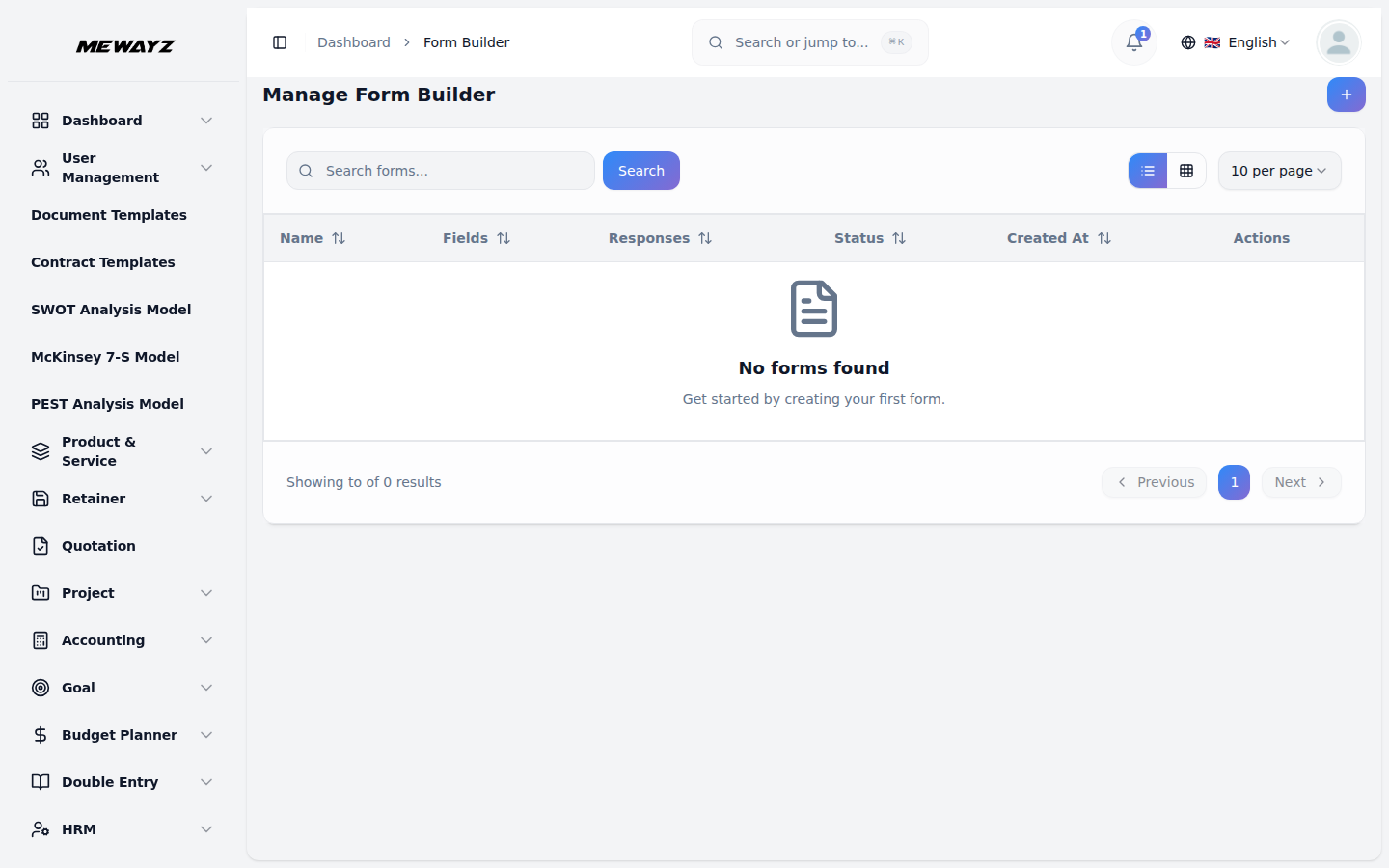
After enabling the Form Builder Add-On, navigate to the sidebar and select Form Builder. You will be directed to the main page where you can start creating and managing your forms.
Creating a New Form
- Click on the “Create” button located at the top of the page.
- Form Name: Enter a descriptive name for your form
- Enable/Disable Toggle: Control form availability (Active/Inactive)
- Default Layout: Choose from Single Column, Two Column, or Card Layout
- Real-time form statistics showing total fields and required fields count
- Available field types panel with 12 different field options
- Visual form preview with click-to-add field functionality
Managing and Sharing Forms
Next to each form, you’ll find a “Copy Link” button. Clicking this copies the form’s public link to your clipboard.
- If the form is activated, users with the link can view and fill out the form.
- If the form is deactivated, users will see a message indicating the form is currently unavailable.
Adding Form Fields
To build the content of your form, use the Available Field Types panel:
- Select from field types:
– Text Input, Email, Number, Phone, URL, Password, Textarea, Select Dropdown, Radio Buttons, Checkbox, Date, Time fields
- You can add multiple fields, as well as edit or delete them anytime.
This flexible field management lets you fully customize what data your form collects.
Viewing Form Responses
- Click the “Responses” button next to each form’s responses.
- View all form submissions in tabular format
- You can see the response of form in tabular format easily.
Converting Forms into Add-Ons
Form Builder allows you to convert your custom forms into other Add-Ons within the platform through advanced field mapping:
- Click the “Convert To” button.
- Module Selection: Choose target module from available modules
- Submodule Selection: Select specific entity within chosen module
- Field Mapping: Map form fields to target module fields
- Enable/Disable Toggle: Control automatic conversion
- Validation: Ensure required mappings are configured
- Suppose if you select the lead feature from the CRM Add-On, then the response that you have got in this form can be added on the lead page of CRM Add-On.
Some of the Add-Ons you can convert forms into include:
Project Management
- Project
CRM
- Lead
- Deal
Sales
- Contact
- Opportunities
CMMS
- Location
Machine Repair Management
- Machine
Note: This is not the complete list. The drop down includes additional Add-Ons you can select from based on your platform setup.